Arkyn OS 2.1.0 · Ubuntu 26.04.1 LTS
Secure.Private.Yours.
A private, hardened Linux desktop for people who build things. Encrypted by default, nothing phones home, and it pairs with your GrapheneOS phone.
Private beta — the ISO goes to testers on request. Support the work.
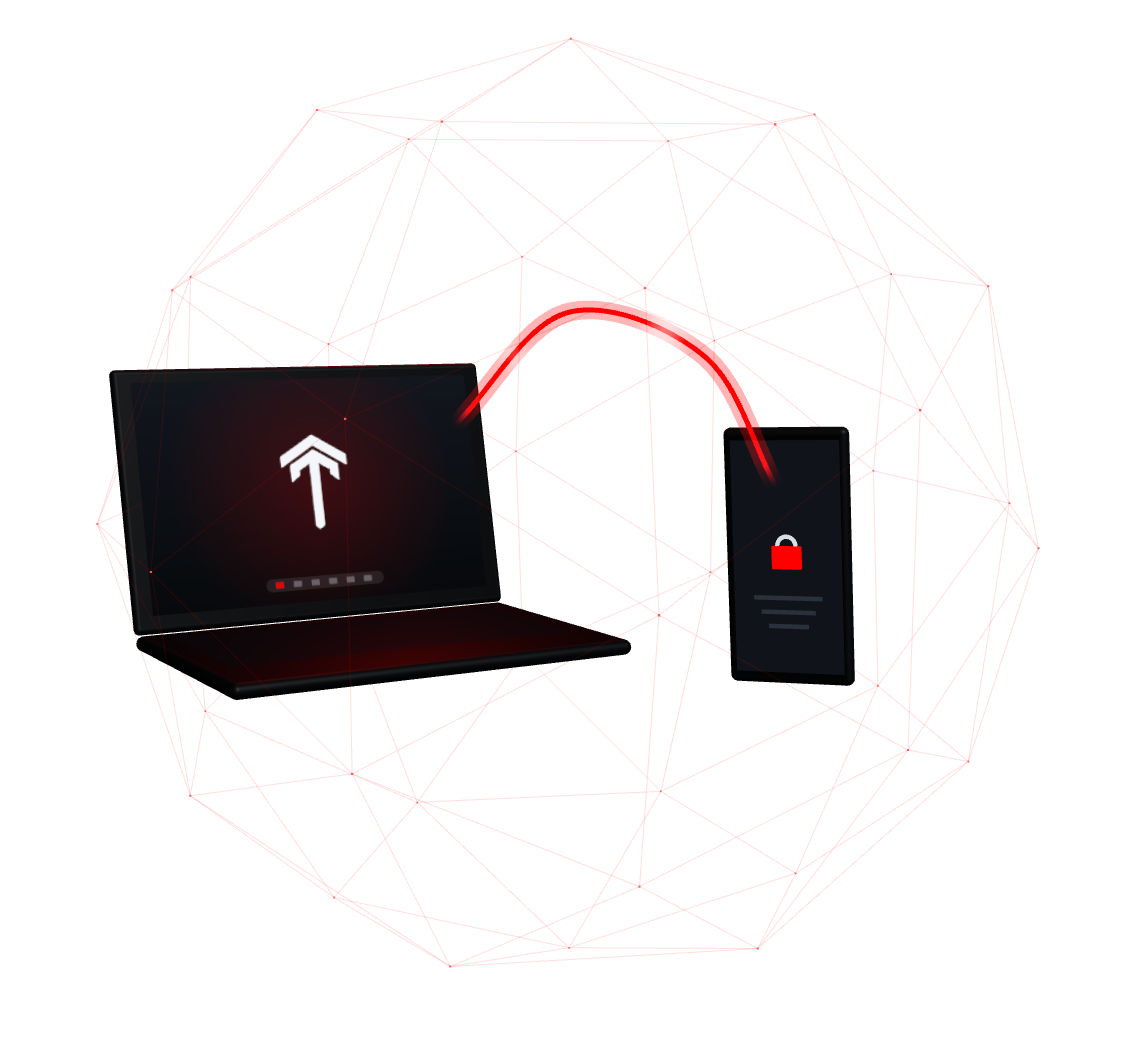
Protected by default
Private because it was built that way — not because you remembered a setting.
Arkyn OS is Ubuntu 26.04 LTS underneath, with privacy and security switched on before your first login, and nothing of anyone else’s — accounts, tokens, telemetry — shipped in the image.
Encrypted from the start
Full-disk encryption, ticked by default
LUKS2 encryption is on before you touch anything. Untick it and the installer stops to explain, in red, what a lost laptop would expose.
Nothing phones home
No telemetry. None.
Ubuntu’s usage reporting, crash upload, “insights” and Ubuntu Pro nags are removed from the image — not just switched off — and the login news feed is disabled.
A new face on every network
MAC randomisation that holds up
Each network sees its own stable random hardware address, Wi-Fi scans use random ones, and every install generates its own identity on first boot.
Your lookups, kept quiet
Encrypted DNS to Quad9
Lookups go to Quad9 over TLS, with DNSSEC where available (a VPN uses its own resolver), and IPv6 privacy addresses mean no fixed address follows you around.
Locked down, not locked in
Hardened, but still a dev box
Firewall on, AppArmor enforcing, Docker ports bound to localhost, Bluetooth off until you want it — without breaking debuggers, containers or browser sandboxes.
Snap-free, for good
Flatpak, sandboxed
Snap is removed and pinned so it never returns. Extra apps come from Flathub as sandboxed Flatpaks; the core comes from Ubuntu’s archive and each maker’s own channel.
The Sov desktop
COSMIC, in Arkyn red.
Sov is Arkyn’s name for System76’s COSMIC desktop: fast, tiling when you want it, with a dark theme, a red accent, red-foldered Papirus icons and an app library sorted into folders.
Your first login opens Arkyn Setup: Wi-Fi, fingerprint, appearance, your accounts, pairing your phone and battery care — every step skippable. Type sov in a terminal for a small surprise.
Sov is a name, not a fork: packages stay unmodified so updates keep flowing, and some window titles still say COSMIC.
Sovrant T (default) 
Nebula 
Outrun 
Monolith 
Constellation 
Blueprint 
Circuit 
Frosted 
Topographic
Copy on one, paste on the other
Your laptop and your GrapheneOS phone, on speaking terms.
Arkyn pairs with GrapheneOS (and other Android phones) through KDE Connect — the F-Droid app, no Google services needed.
- Local network only. The firewall lets the phone in from private home and office networks — never from the internet, never over IPv6.
- Risky plugins off. Remote control, run-command, remote input and phone-filesystem access are switched off for every paired phone, however it was paired.
- Honest about Android. Laptop → phone clipboard is automatic; phone → laptop takes one tap, because Android blocks background clipboard reads.
Built for builders
Everything you need on day one. Nothing signed in.
A curated set — each app was reviewed before it went in. Claude Code and the GitHub CLI are preinstalled and logged out: the build refuses to ship anyone’s credentials.
Develop
- git
- build-essential
- Docker (socket-activated)
- rootless Podman
- distrobox
- VSCodium
- Neovim
- tmux
- zsh
- pipx
- ripgrep
- fzf
- bat
- shellcheck
- git-lfs
- Claude Code (signed out)
- GitHub CLI (signed out)
Live, privately
- LibreWolf (default)
- Tor Browser
- Chromium
- Proton VPN
- Mullvad VPN
- Proton Mail
- Proton Pass
- Proton Authenticator
- Proton Drive (rclone)
- LibreOffice
- GIMP
- Papers
- mpv
- Pika Backup
- Timeshift
- Syncthing (off until you enable it)
- mat2
Play
- Steam
- Lutris
- Heroic
- ProtonUp-Qt
- gamescope
- MangoHud
- GameMode
- Discord (Flatpak)
Keeps itself current
Security updates install themselves — and keep your settings.
Ubuntu security and stable updates, plus the desktop, LibreWolf, Proton VPN, Mullvad and Claude Code, update automatically. A catch-up runs shortly after first boot (on mains or with 50 % battery). It never reboots for you, and files you changed are kept.
Today updates are package-level: new Arkyn defaults — branding, theme, new drop-ins — arrive with a newer ISO until the Arkyn package repository exists.
Kinder to your battery
Charging stops at 80 %. One click for 100 %.
On laptops whose firmware supports charge limits (ThinkPads do), Arkyn stops at 80 % to slow battery wear. The day you need a full tank, switch off Max charge in the panel’s battery menu.
How Arkyn is tested
- 107/107checks on an installed system, UEFI + Secure Boot
- 35/35live-session checks
- 3firmware paths: Secure Boot, UEFI, legacy BIOS
- 1real laptop so far — be our second
Every release runs a full install-and-boot test matrix in virtual machines (Arkyn 2.1.0 results above). Real-hardware testing so far: a ThinkPad L14 Gen 2 and a Pixel on GrapheneOS. Other hardware is untested — tell us what you find.
Make your next laptop yours.
Arkyn OS is in private beta. Ask for the ISO, read how it works, or help keep it independent.